As a disability support professional, you already know a lot about enabling technologies. You may also know that the pandemic accelerated the adoption of remote support technology. Not only does remote supports and virtual visits keep supported people safe, it also has the benefit of helping with the current staff shortage so many agencies are experiencing. It also increases the independence and self-esteem of supported people.
What Are Enabling Technologies?
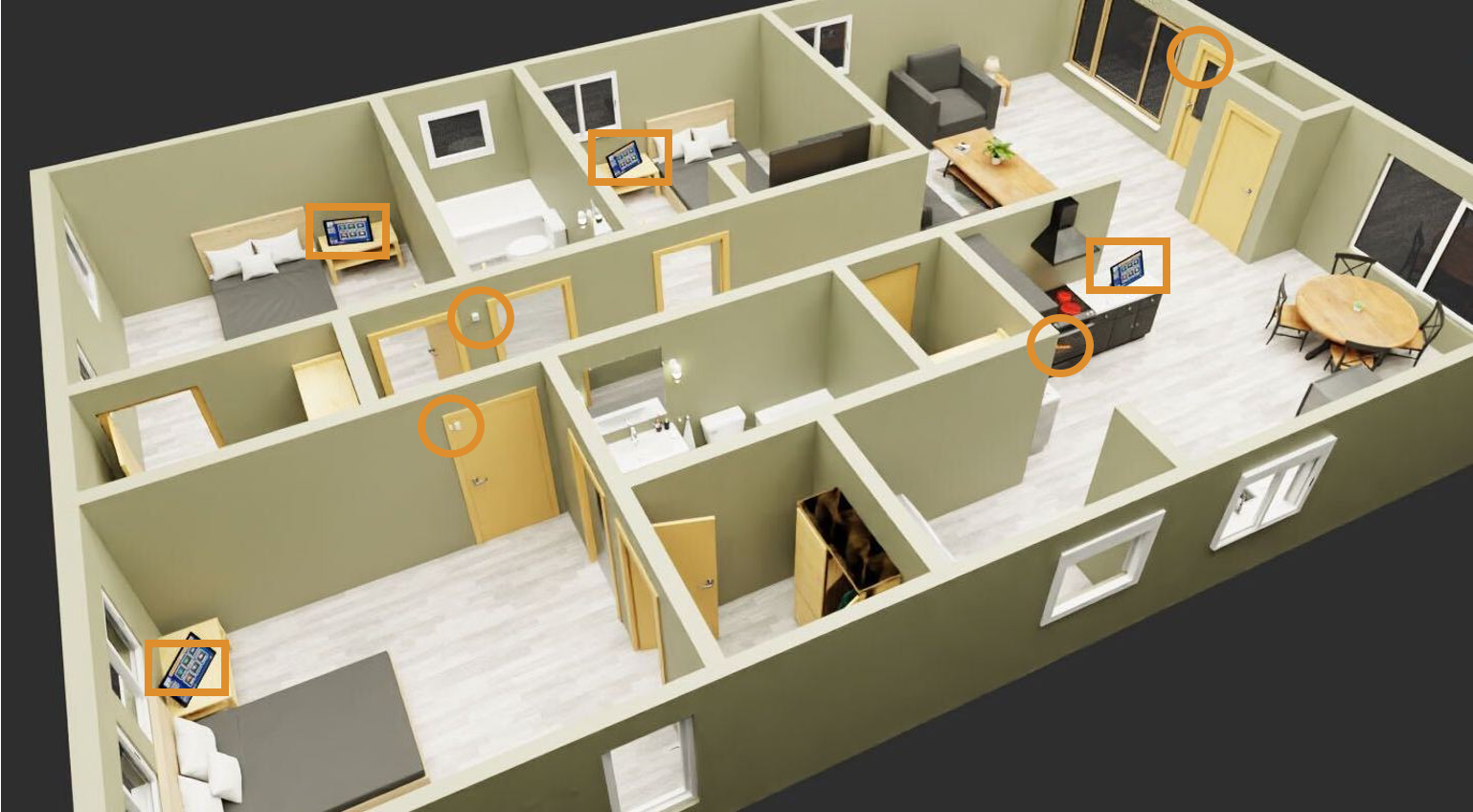
Enabling technologies are equipment or methodologies that support individuals’ independence in their homes. Devices can be as simple as a medication dispenser, a personal emergency response system, a smartwatch or smart fridge. Or, you may decide to opt in for a more fully-featured and robust solution like GrandCare Systems. GrandCare’s intuitive touchscreen interface provides your resident with self-supporting features such as cognitive assists, medication reminders, to-do task lists, routine check-ins, concierge service ordering and simple video chat features. Optional motion/door, lighting and telehealth sensors can be added to GrandCare for your staff to remotely monitor and assess the well-being of the resident.
But, how do you even get started? How does it work? What technology should you use? How would you actually integrate technology into your existing workflow model? These are all valid and important questions to answer. Here are 10 things disability support and aging service professionals should know about choosing enabling technologies for your organization.
What You Need to Know About Enabling Technologies
1. Assistive technology can mitigate staffing shortages.
Remote support technology allows fewer staff to support more people from a central location. Using a remote support model reduces windshield time and the time your staff spends waiting in someone’s home until such time they are needed. With GrandCare, your staff is engaged only when support is required. This allows fewer staff to support more people, plus the assistive technology can even help your residents to help and support themselves.
2. Investing in technology can save you money with a quicker ROI than you may expect.
In a study from Xavier University’s Department of Occupational Therapy, remote patient monitoring and telehealth technologies including the flagship platform, GrandCare Systems, showed increased client independence, reduced in-person caregiving hours, and cut staffing costs dramatically. LADD, a Cincinnati non-profit that supports people with intellectual and developmental disabilities, opened a smart home for four people in 2020. The Xavier study showed that LADD was able to safely reduce in-person caregiving hours by 75%. Prior to GrandCare and remote monitoring technologies, the cost of supporting these four people was $5,260 per week. Supportive technologies slashed the support costs by over 50% to only $2,607 per week. This represents a cost savings of $2,653 per week. That’s $137,941 per year. LADD was able to recoup the cost of all of their smart home technology (yes, even including the smart fridge and sensory relaxation room) in only 9 months.
3. Assistive technology allows your staff to shift focus to residents with higher support needs.
Most agencies have residents that don’t need 24/7 in-person staff support and some that always will. Why not save your limited staff for those who really need it and use assistive technology to help support those who can support themselves? Automated cognitive assists, such as notifications to brush teeth or take medication, can be provided on GrandCare’s touchscreen and be checked off by the resident. When your staff doesn’t need to be physically present at all locations, they can devote more time to individuals with high support needs.
4. Technology can reduce demand avoidance.
Providers have shared anecdotal stories about residents who were often non-compliant and exhibited problematic behaviors while receiving in-person staff support. But when they began using GrandCare’s assistive technology to nudge the residents on daily tasks and med reminders, it empowered the resident’s independence and self-esteem, plus many of those behaviors largely disappeared. This new way of receiving support put the individual in the driver’s seat and gave them the autonomy they desired.
5. The residents LOVE to interact with it, resulting in better outcomes!
In order to fully succeed with self-supporting technology, it needs to be intuitive, engaging and fun to use. That’s why the GrandCare touchscreen includes engagement features including games, jokes, workout videos, music, live radio, audio books and on-demand video chat. Plus, systems can be customized based on the supported person’s interests like sports, art, religion and food.
6. Enabling technology supports in-person staff.
Even people who receive much of their support remotely sometimes need in-person staff time. While your DSP is present in the residence, they can use the GrandCare touchscreen to check in, document how long they were there, which services they provided, and leave notes about their visit for the next onsite caregiver (also accessible remotely to the rest of the support team).
7. Data collected can be used as a tool to see patterns and provide better support.
GrandCare is a fully-featured telehealth platform. GrandCare can monitor glucose, blood pressure, weight, temperature and oxygenation. It can prompt a supported person to take a required biometric reading, and then wirelessly track, trend and record it for the remote support team. Graphs of health data can be reviewed by the support team so that problematic readings can be addressed before they become health emergencies.
8. It can provide a sense of community.
GrandCare has several community-enhancing features. Supported individuals with a common interest can receive curated content and event notifications. A Community can be about anything: stargazing, movie buffs, people with diabetes, or everyone who lives in a specific location. Community messaging and calendaring and photo sharing are available. If you choose, you can even enable video chats between touchscreens.
9. Smart assistive technology can decrease alarm fatigue for your staff.
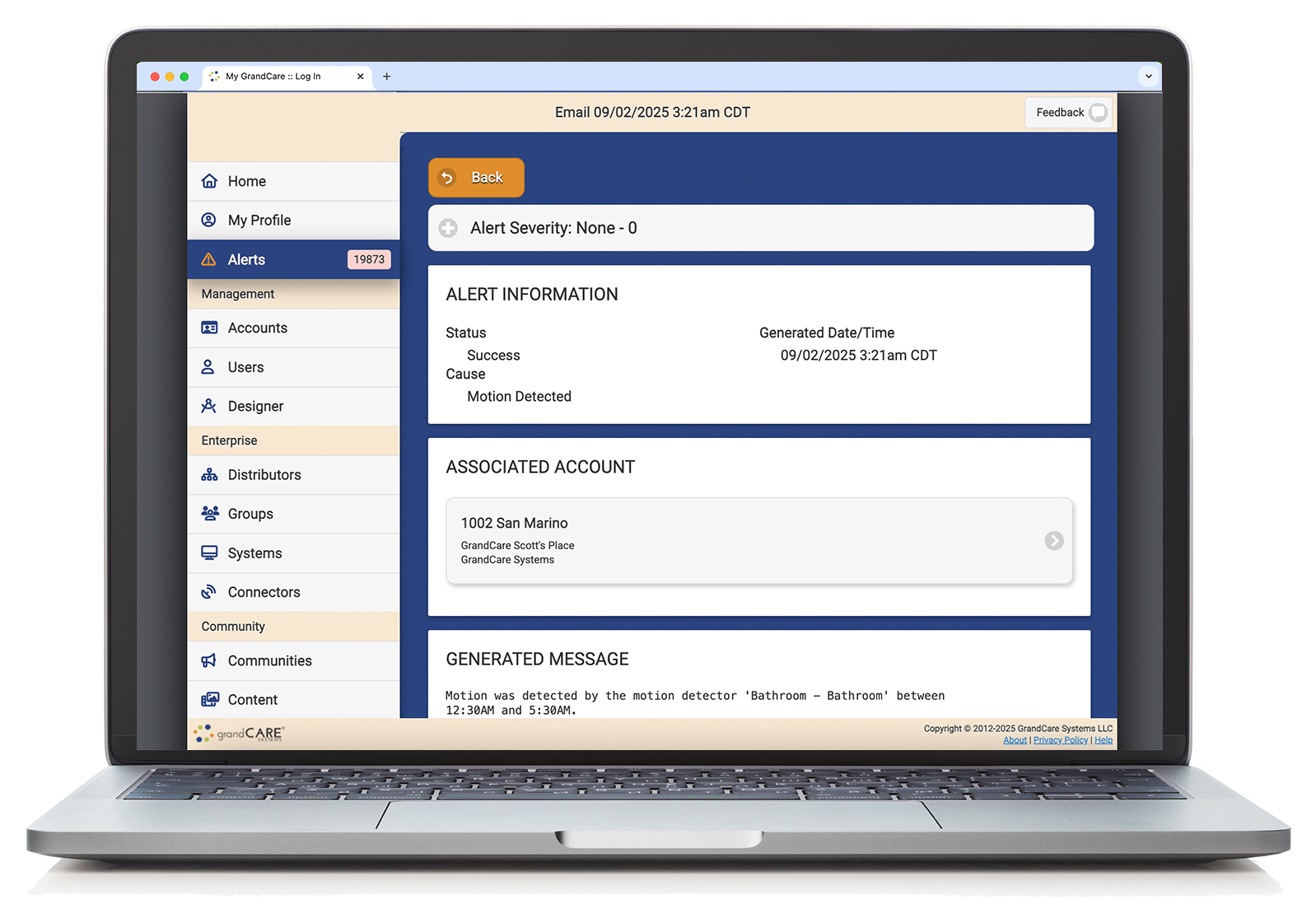
Only be alerted when something needs your attention. GrandCare can be programmed to only send alerts based on set parameters. For example, staff could be notified of unusual activities like the front door being opened in the middle of the night, or if there isn’t motion in the kitchen at mealtime. You can also set up telehealth alerts if a health reading is “out of range”. Used in this way, GrandCare becomes a “no news is good news” system since staff are only notified when intervention is truly needed.
10. GrandCare can streamline the process.
Some of the things GrandCare does can be done with other devices, but it does one thing that none of them can: it puts them all on one interactive platform. So now your self-empowering supports, activity monitoring, telehealth monitoring, video check-ins and med reminders are all in one place for easy management.
Want to learn more? Contact GrandCare for a free demo and consultation.
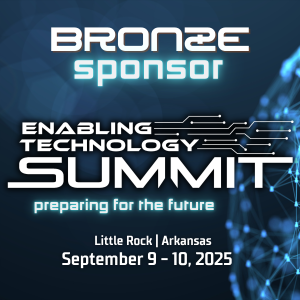 The Enabling Technology Summit is dedicated to exploring the latest advancements in assistive technology and remote supports. GrandCare is proud to be a Bronze sponsor this year and will be exhibiting our platform at the event. The Summit will take place at the Little Rock Marriott September 9-10, 2025.